
Introduction
Nichio Keybinder is a keybinding application created in AutoHotkey to automate repetitive tasks in GTA San Andreas: Multiplayer on the Live-Your-Dream Roleplay Community. The keybinder uses the Open-SAMP-API to directly perform in-game actions by manipulating memory addresses, simulating player behavior seamlessly.
For instance, instead of manually typing "/carkeys" in chat, players can simply press the F2 key. This is just one example of the many tasks automated by Nichio Keybinder.
Application Overview
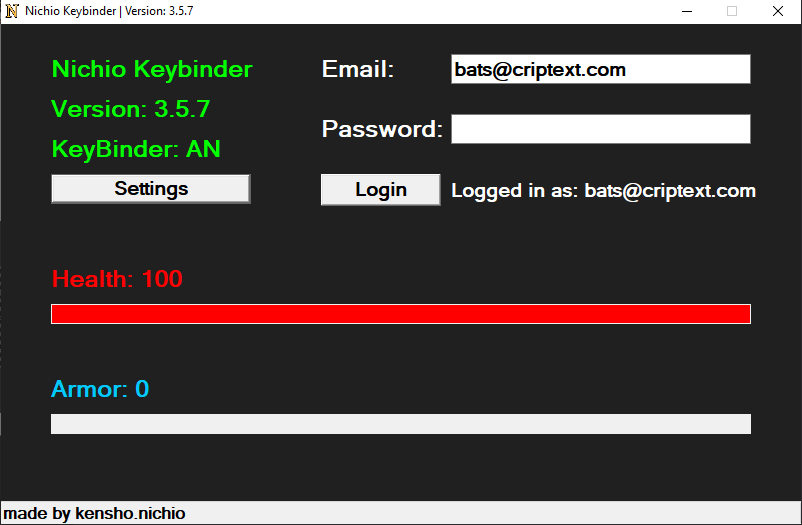
The keybinder features a simple GUI that displays basic information, mostly serving as an indication that the application is active.
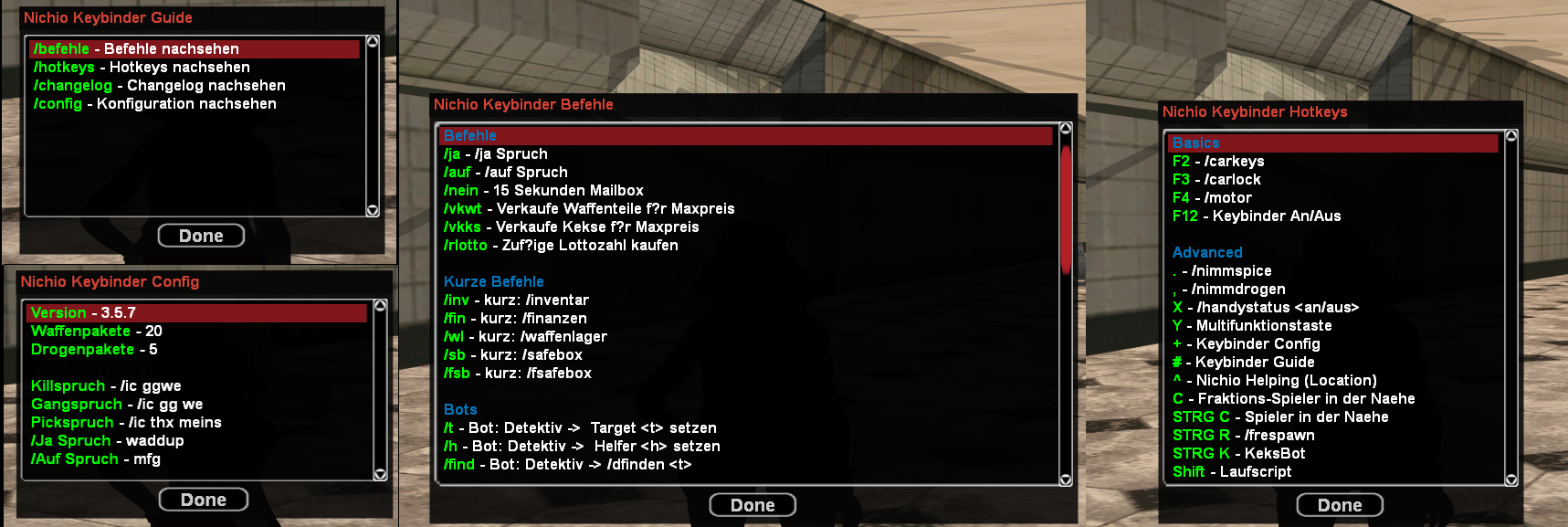
However, its main functionality operates through in-game dialog screens, to provide information without interrupting the gaming experience.
Functionality
Auto Updater
The KeyBinder has an auto-update feature, implemented es demonstrated in Kraizy's YouTube Tutorial. The keybinder binaries are hosted on a web server specifically set up for this purpose at nichio.de.
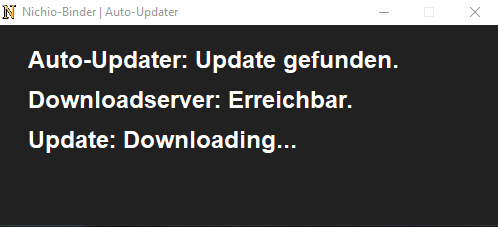
On each start of the keybinder a update is being checked in following steps:
- Fetch newest version number from nichio.de webserver and compare to current version
- If newest version does not equal current version then download newest installer.exe, run it and close this instance of the application.
The installer.exe simply deletes the old application (if one exists) and installs the newest version.
Website Integration
When using the keybinder, players can log in with an account registered on nichio.de to configure their keybinding settings and customize actions based on their in-game characters, and see statistics like their usage of resources in-game (website is only available in german).
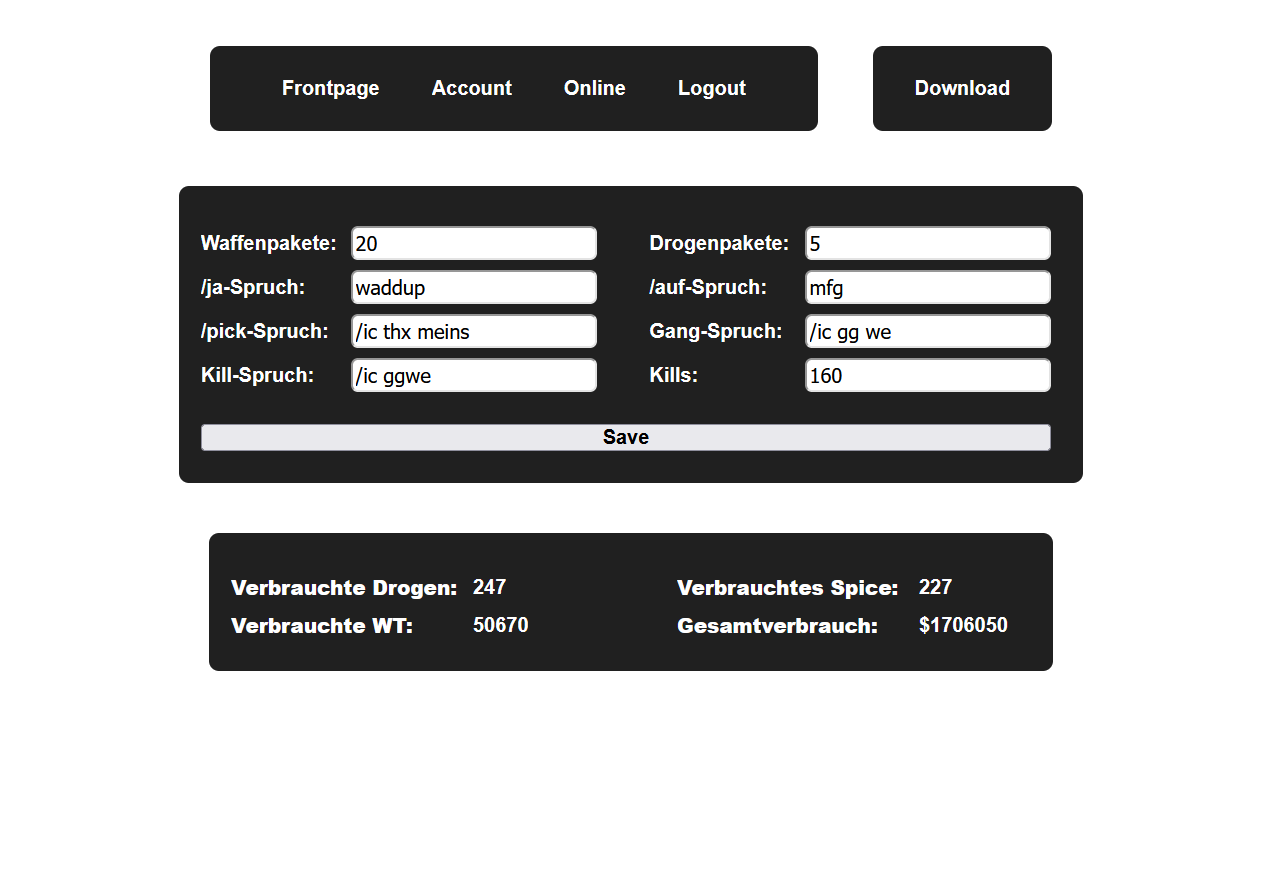
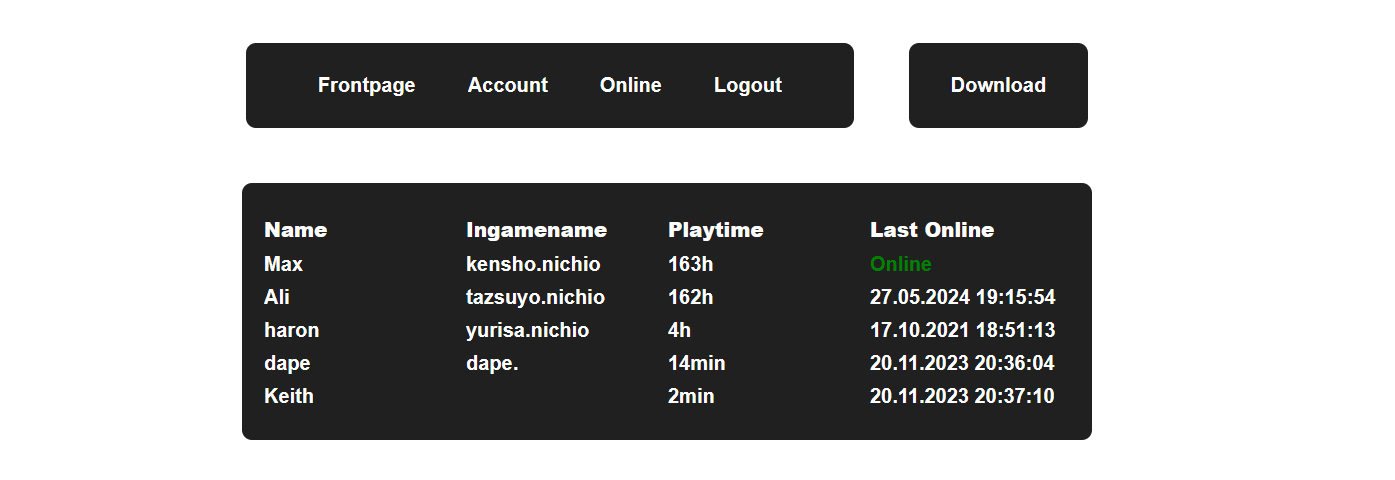
Additionally, the website provides an overview of registered users, displays who is currently online, and offers more detailed information.
In-Game Chat
A IRC-like Chat has been implemented to allow communication only between users.
This works by catching each message starting with "/nc" (stands for Nichio-Chat) and send the message to the nichio.de webserver with information about the message and current user.

There is a script running periodically checking for new messages and displays them, if available.
Automations
Location Listener
A location listener automatically performs specific tasks based on the player’s in-game location, such as using a fast-food drive-thru or loading resources into a vehicle at designated points.
Hotkeys
Various hotkeys are provided via the dialog field for easy access to key actions.
Commands
Multiple commands are available to improve the player's quality of life or configuration options. For example, there is a detective bot that automatically searches for a player every 10 seconds.
What I Learned
Building the Nichio Keybinder provided several key lessons:
Single-threaded applications: Be cautious when making API calls, as they can block the entire application while waiting for a response due to the lack of asynchronous handling. This made the keybinder sometimes unresponsive and ruin the immersion in the game.
Account security: The project led me to rethink account implementation. Initially, a hashed password was sent with every API request to verify authenticity. Using tokens would have been a more secure and efficient solution. I have already adopted token-based authentication in my other projects, like Pangolin.
Written: 2024-09-24