
Introduction
Easy Terminal is a lightweight utility designed to streamline the process of executing programs, opening folders, or visiting websites, all in one place. It enables users to manage frequently used commands efficiently, helping to reduce repetitive tasks. With Easy Terminal, you can:
- Execute programs
- Open directories
- Visit websites
- Search Google, YouTube, and Wikipedia
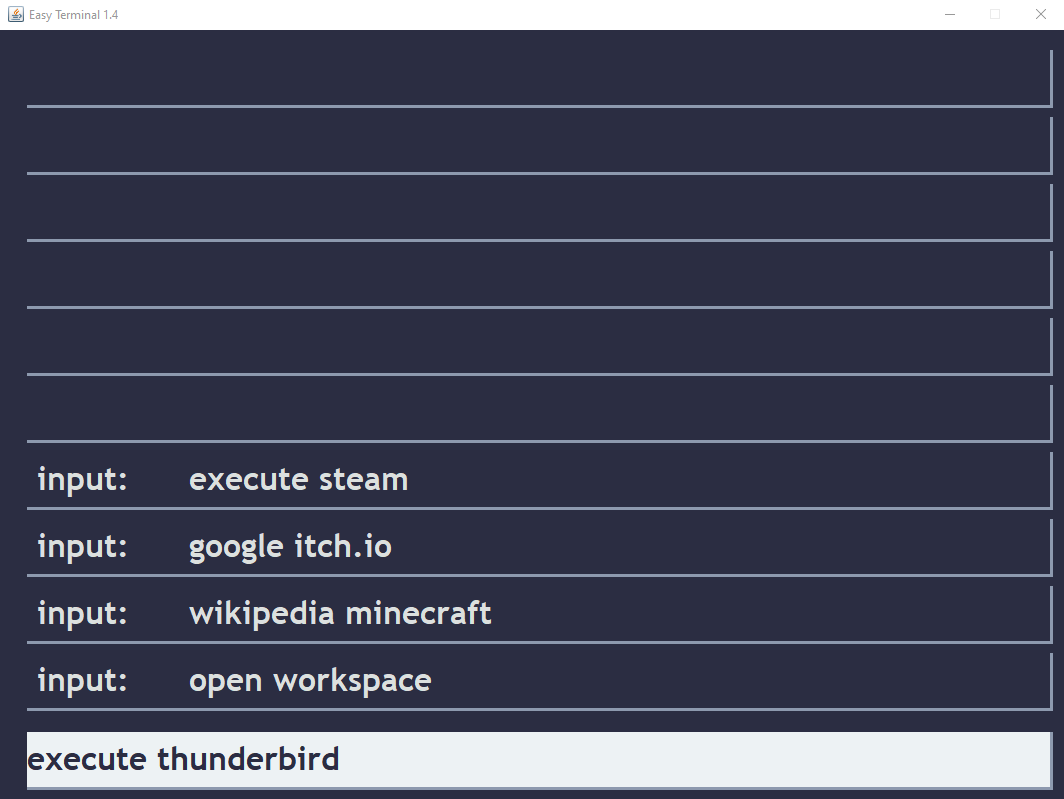
All of this can be done using simple, customizable commands.
Command Documentation
Command Registration:
Adds a new command to the config file for quick access.
Syntax: add <function> <name> <path>
- function: Specifies the operation to be performed (e.g.,
execute,open,visit). - name: A custom name for the command (e.g.,
chrome). - path: The path to the executable, folder, or URL (e.g.,
C:\programs\google_chrome.exe).
Example:
add execute chrome C:\programs\google_chrome.exe
Open Directory
Opens a specific folder with a previously defined path.
Syntax: open <name>
- name: name of the previously registered open-command
Example
open downloads
Execute Application
Executes a program with a previously defined path. You can also use the shortcut exec to shorten the command.
Syntax: execute <name>
- name: Name of the previously registered execute-command.
Shortcut: exec <name>
Example:
exec chrome
Visit Website
Opens a website with a predefined URL. You can specify the website by its name or directly provide a URL.
Syntax: visit <name>
- name: Name of the previously registered execute-command.
Example:
visit mywebsite
Quality of Life
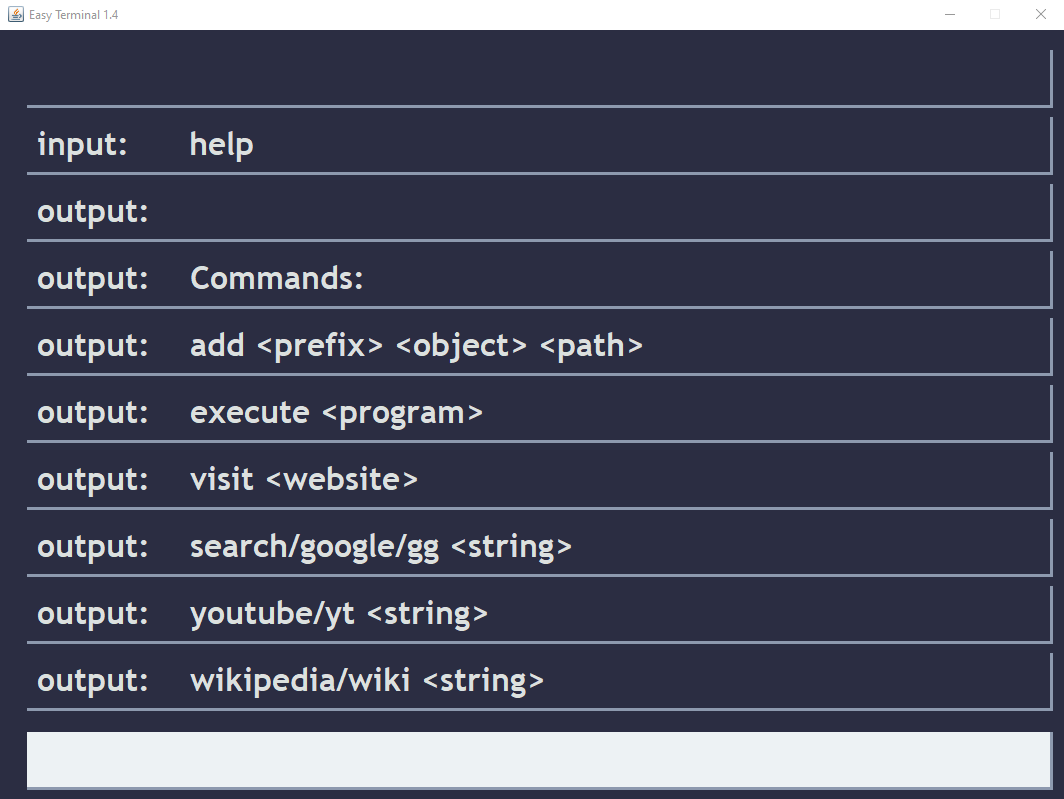
You can perform web searches directly from Easy Terminal using the built-in commands for Google, YouTube, and Wikipedia. This allows for easy searching without needing to open a browser manually.
- YouTube Search:
youtube <string>oryt <string> - Google Search:
google <string>orgoogle <string> - Wikipedia Search
wikipedia <string>orwiki <string> - Help Command
help(Displays help for each command) - Quit Command
quit(Quits the program)
Written: 2024-09-24